01 — Getting started
Installation and updates
Choose a channel for Windows x64 or Linux x64 glibc, including a compatible WSL distribution.
On this page
Standalone editor or plugin
This chapter's commands install only standalone OEC. Install the OpenCode 2 plugin separately with @2jmalvarez/[email protected] inside a package + options object in global cli.json. Its guide explains automatic directories, optional localRoot, F6/F7/F8, images and the local alternative.
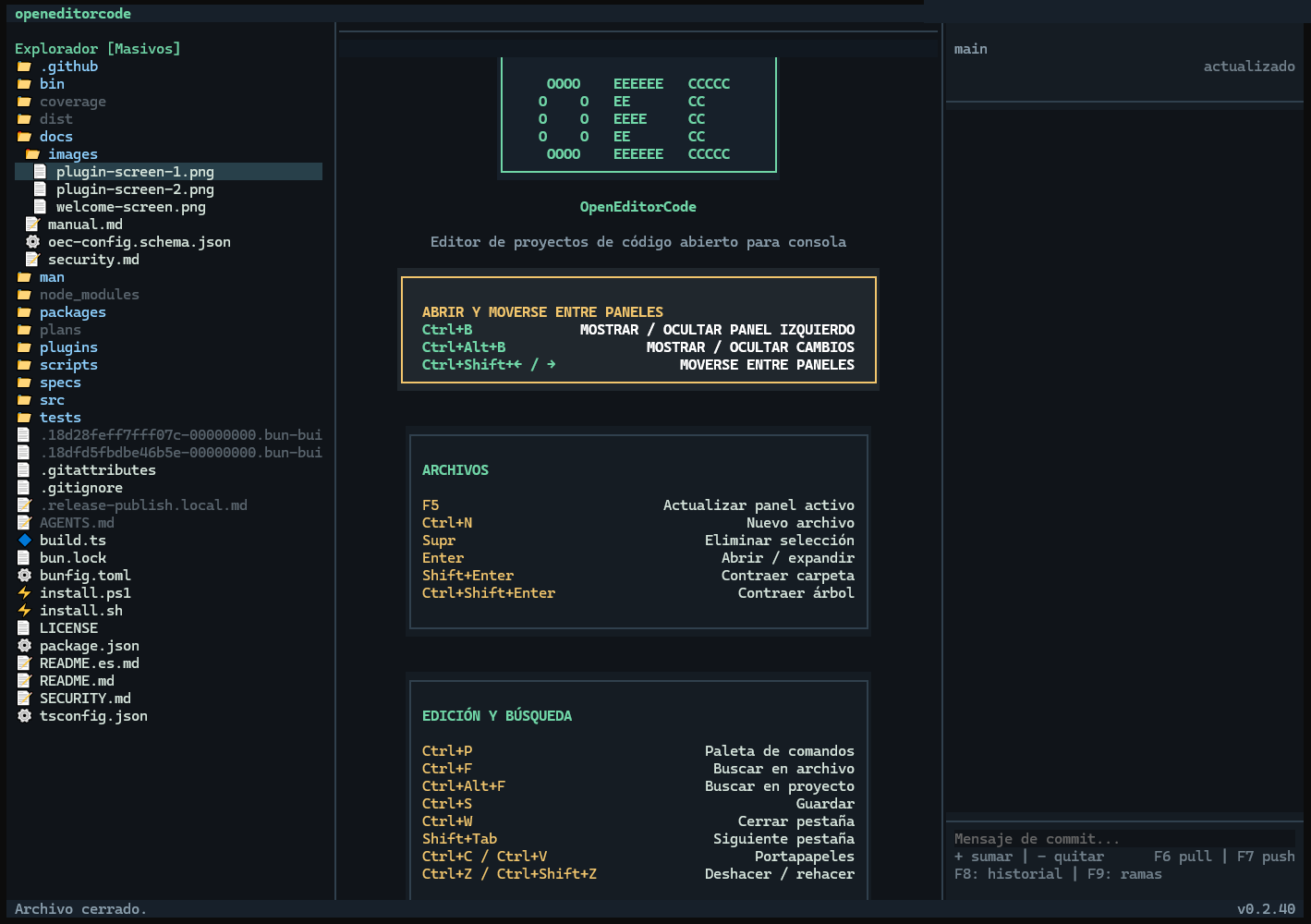
Install with npm
Requires Node.js 18 or later and npm. The root package installs the launcher; an optional platform dependency provides the binary. You do not need Bun to use it.
- The oec and openeditorcode aliases run the same launcher.
- Postinstall does not download the binary: on Linux it attempts to restore the optional dependency's executable permission. Do not omit platform dependencies.
npm install -g openeditorcode
oec --version
oec
Direct Linux installation
The channel documented from 0.2.24 requires Bash, curl, sha256sum and standard utilities, but no Node, npm or Bun. It installs into ~/.local/bin and configures PATH for Bash, Zsh or Fish when applicable.
- Checks SHA-256 and the binary-reported version before installation. Refuses unrelated commands and uses locking and rollback for failed replacements.
- Without --version it chooses the latest stable GitHub release. --no-modify-path prevents editing shell startup files, not installation. --help or -h displays help.
- Reopen your shell. In Bash/Zsh, use export PATH="$HOME/.local/bin:$PATH" for the current session.
curl -fsSL https://raw.githubusercontent.com/2jmalvarez/openeditorcode/main/install.sh | bash

# Pin a published version and manage PATH yourself
curl -fsSL https://raw.githubusercontent.com/2jmalvarez/openeditorcode/main/install.sh | bash -s -- --version 0.2.33 --no-modify-path
Update by channel
With the npm launcher and updates.checkOnStartup enabled, OEC checks the registry after one second. A newer version enables Update OEC in the palette. It handles pending changes and exits with code 42. The launcher resolves an exact public-registry version and backs up the binary before updating the same installation prefix it was launched from. It preserves global or local scope, including custom prefixes; local updates use --global=false, --no-save and --package-lock=false. It forces the public registry for OEC and @2jmalvarez without editing .npmrc.
It verifies the root manifest, platform package and executable versions. Installation or verification failures relaunch the old copy, then clean the temporary backup. If public version resolution or backup creation fails, it reopens the old binary without installing. Tabs and buffers are not restored. Direct installation does not use this flow: close OEC and rerun the installer.
An old launcher failing with a private-registry 404 cannot obtain its own fix through that failed update. First identify the executable and prefix using type -a oec npm and readlink -f in Bash; use the source manual's repair procedure to update only that prefix. Do not run an unqualified npm install -g if it could affect another installation.
Direct Windows / PowerShell installation
PowerShell 5.1 or later, Windows x64; no Node.js, npm, Bun or administrator required. Download and inspect the script before executing if desired. Choose one installation method to avoid competing commands.
- Downloads the latest stable release and validates SHA-256 and the executable version. Installs in %LOCALAPPDATA%\Programs\OpenEditorCode\bin, adds it to user PATH without duplicates and updates the current session. Does not change system PATH or execution policy.
- Installs oec, not the openeditorcode alias. -NoModifyPath leaves PATH unchanged; launch using the absolute path. Close OEC and rerun the installer to update the same installation.
- Protects unrelated or modified executables through an ownership marker. Download or validation failure retains the previous installation; it does not run npm.
& ([scriptblock]::Create((Invoke-WebRequest -UseBasicParsing 'https://raw.githubusercontent.com/2jmalvarez/openeditorcode/main/install.ps1').Content))
oec .

# Pin version without changing PATH
& ([scriptblock]::Create((Invoke-WebRequest -UseBasicParsing 'https://raw.githubusercontent.com/2jmalvarez/openeditorcode/main/install.ps1').Content)) -Version 0.2.41 -NoModifyPath
& "$env:LOCALAPPDATA\Programs\OpenEditorCode\bin\oec.exe" .
0.2.40: update only to complete releases
Before offering an update, OEC checks metadata and the exact public archive URLs for the launcher and your platform package, within a 15-second budget. The launcher repeats the check before installing. If any part is missing, it retains the current installation for a later retry; a version advertised by latest is not enough.
The workflow waits for both platform packages before publishing the launcher, then verifies the full set. Direct installations still update by rerunning their installer.
Uninstall
User configuration is preserved. For direct Linux, remove the shell PATH entry only if no longer needed. For direct Windows, delete only oec.exe and .oec-install-ps1.sha256 from its installation directory, then remove only that user PATH entry through Environment Variables. Do not delete projects or configuration.
# npm installation
npm uninstall -g openeditorcode

# Direct Linux installation only
rm -f "$HOME/.local/bin/oec" "$HOME/.local/bin/openeditorcode" "$HOME/.local/bin/.oec-install-sh.sha256"
Chapter sources
Links pinned to the reviewed commit; they do not follow main.